Agent security
How to Reduce AI Agent Security Risks Across Enterprise Development Teams
Reducing AI agent risk across development teams requires a repeatable rollout process: know which workflows exist, limit their authority, apply controls on the paths they use and review changes over time.
Executive summary
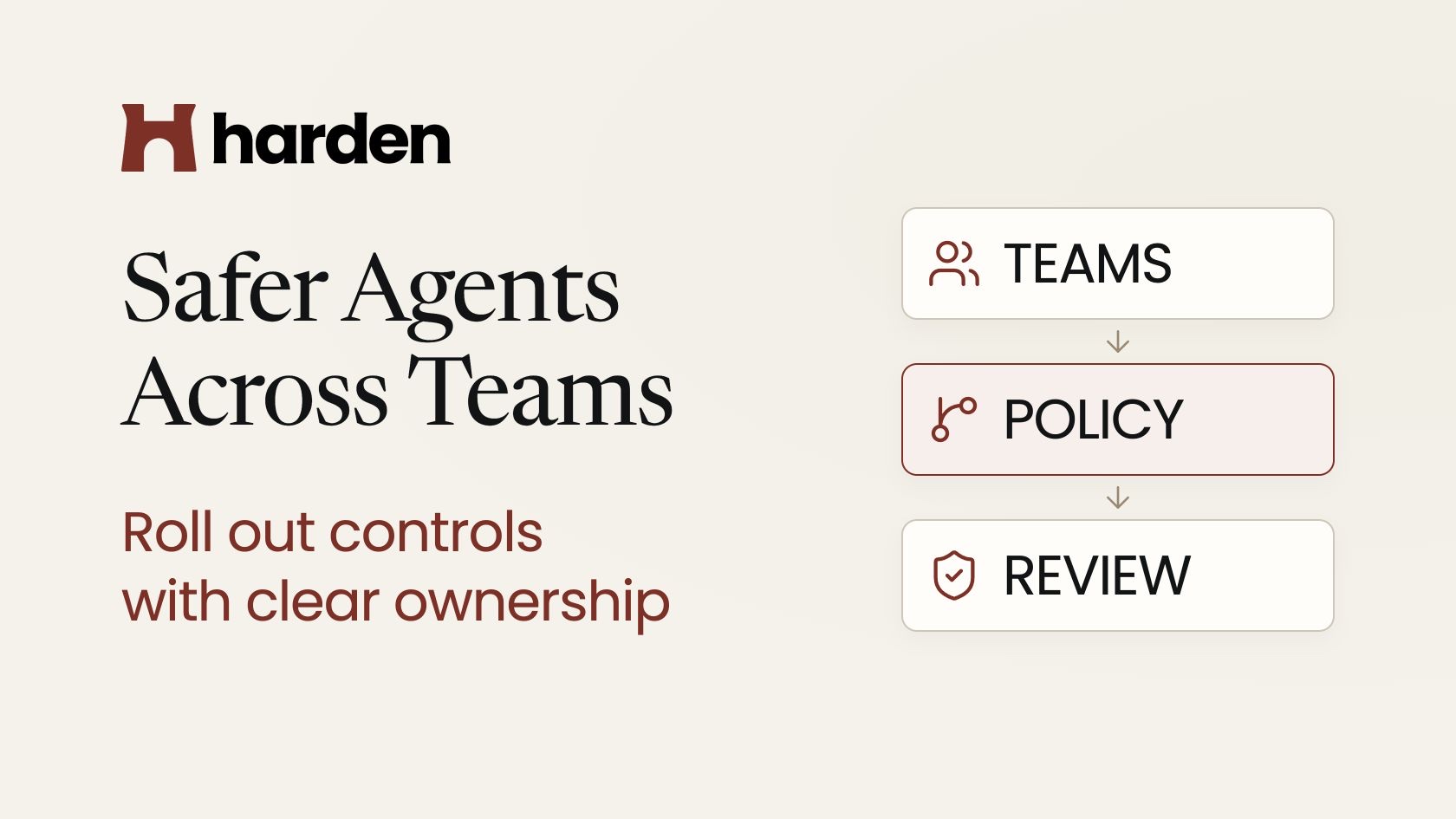
Reducing AI agent risk across development teams requires a repeatable rollout process: know which workflows exist, limit their authority, apply controls on the paths they use and review changes over time. A rule that works on one laptop is only a starting point. Enterprises also need ownership, configuration checks, exception handling and evidence that the intended controls remain in place.
Begin with workflows, not a count of installed agents
Two teams can use the same coding agent with very different exposure. One works in a local repository with synthetic data. Another reaches production infrastructure, customer records and deployment credentials.
An inventory should therefore connect the agent to the team, environment, task and reachable resources. Record connectors, relevant configuration and the owner responsible for changes. An installation count can help find coverage gaps, but it does not explain what an agent is allowed to do.
Use a small register that teams can maintain. If updating the register requires a long survey every time a connector changes, the record will soon stop matching reality.
Group workflows by consequence
Classify the actions a workflow can perform. Reading public documentation is different from transmitting source code. Running an isolated test is different from changing a production database.
Use that distinction to choose rollout controls. A low-exposure pilot may need a managed repository, limited credentials and reviewed tools. A production-capable workflow needs additional boundaries around environment selection, changes and data destinations.
Avoid making the agent brand itself the risk tier. The meaningful difference is the authority and data available through the configured workflow.
Give each control an operating owner
Responsibility | Suggested owner | Evidence to maintain |
|---|---|---|
Approved agent workflow | Engineering lead | Task, team, owner and tool set |
Identities and environment access | Platform or identity team | Permissions, credential scope and revocation procedure |
Execution and data boundaries | Security and platform teams | Covered paths, policy configuration and representative results |
Exceptions | Named workflow owner | Reason, scope, expiry and compensating controls |
Changes and incidents | Engineering and response owners | Configuration history, incident record and follow-up |
The table is an operating proposal, not a product feature checklist. Adapt ownership to the organization, but keep the responsibility explicit.
Pilot with legitimate work and controlled variations
Choose a team with a representative workflow and an owner willing to inspect the results. Use synthetic secrets and disposable resources for unsafe variations. Preserve the legitimate task beside each variation.
A log-upload scenario, for example, can compare an approved internal recipient with an unapproved external destination. An environment scenario can compare staging with production. These are illustrative tests; their expected outcomes depend on the organization's policy and the controls actually deployed.
If observation or shadow mode is used, label it clearly. A recorded would-block event is evidence of a decision, not proof that the operation was prevented. Before enforcing, inspect unnecessary interventions and uncovered routes. After enforcing, verify the operation's effect rather than relying only on a dashboard status.
Roll out a small, explainable policy set
Begin with rules developers can understand: protect sensitive destinations, keep production authority separate, review executable dependencies and prevent lower-trust content from expanding a task.
Document the reason for each rule and the route for resolving a legitimate exception. A developer should not need to disable the entire control to finish one approved operation.
For supported coding-agent paths, we provide pre-execution checks and decision history. Evaluate that portion alongside identity, isolation and incident-response controls. Verify the current deployment and policy scope for your environment rather than assuming a single configuration covers every team.
Treat drift as a normal operating problem
Agents, extensions, MCP servers and developer workflows change. A previously reviewed workflow can gain access through a new connector or begin using a route that a control does not cover.
Define which changes trigger re-evaluation. Examples include a new production credential, a new tool server, an agent update affecting integration behavior or a change to organization-managed configuration. Preserve the previous state so the team can explain what changed.
Schedule a focused review of exceptions and uncovered paths. The NIST AI Risk Management Framework can help organize the broader governance work, but each team still needs concrete implementation responsibilities.
Judge rollout quality with evidence
Give the next team a usable handoff
Before inviting another team into the rollout, prepare a short operating packet. Include the workflow owner, approved tools, necessary access, relevant settings and representative cases. Record how a developer recognizes an intervention and whom to contact when legitimate work cannot continue. That packet should describe the deployed setup, not an ideal configuration still waiting for implementation.
Ask the receiving team to identify differences before copying it. A backend team with deployment access may need another boundary from a frontend team using a local preview. A connector shared by both teams can carry different credentials and reach different information. Reuse the review method, while checking the permissions and consequences again.
Define pause conditions as well as expansion conditions. An unexplained sensitive transfer, an uncovered production path or a control that cannot be operated reliably should return the workflow to its owner for investigation. Preserve the evidence needed to explain the problem, use an agreed restricted workflow where necessary and give remediation a clear owner.
For a Harden pilot, keep the supported-path record beside the team register. That makes it possible to distinguish “the team has an account” from “this workflow has a verified action boundary.” The distinction helps a rollout dashboard reflect operational progress rather than signup activity.
Track how many registered workflows have a verified owner, current configuration review and tested consequential-action boundary. Record unresolved gaps and exceptions rather than presenting only the number of installations.
Also review legitimate work interrupted by controls and the time spent resolving it. Do not convert a lower interruption count into proof of improved security; compare the underlying cases and policy changes.
The next rollout wave should follow demonstrated coverage and operational readiness. If pre-execution checks are part of that plan, create a Harden account and scope the pilot around one team's actual tools, access and expected evidence.
FAQs
Which team should receive the first pilot?
Choose a representative workflow with an accountable owner and consequences that can be tested safely. The easiest team is not necessarily representative, and the most sensitive team may be unsuitable for an initial exercise. Prefer a pilot that can produce understandable evidence and a reusable operating process.
Can every team use the same security policy?
Common outcomes can be shared, such as keeping sensitive data within approved destinations. The implementation still needs to reflect each team's tools, identities and environments. Reuse the policy intent, then verify the actual paths. One team's successful configuration should not become an unsupported organization-wide coverage claim.
What does shadow mode establish during a rollout?
Where available and configured, observation can help a team inspect decisions without treating them as enforced interventions. A would-block finding does not prove the operation was stopped. Verify the product's actual mode and review the cases before changing enforcement; keep mode and observed effect visible in the record.
How should temporary exceptions be handled?
Name the operation, resource, owner, reason and expiry. Record the compensating controls and the process for returning to the normal boundary. Review recurring exceptions as possible workflow or policy defects. Avoid granting broad standing access because one team encountered a narrow, time-limited need.
What should leadership see in the rollout dashboard?
Show owned workflows, verified boundaries, unresolved gaps, current exceptions and material configuration changes. Include data freshness and the meaning of each status. Separate account or installation counts from tested coverage, and distinguish recorded decisions from prevented actions. That gives leaders a more useful basis for choosing the next rollout wave.