Agent security
How to Set AI Agent Permissions with Least Privilege
A practical worksheet for limiting coding-agent access by task, identity, resource and operation, with paired tests for the boundary.
Executive summary
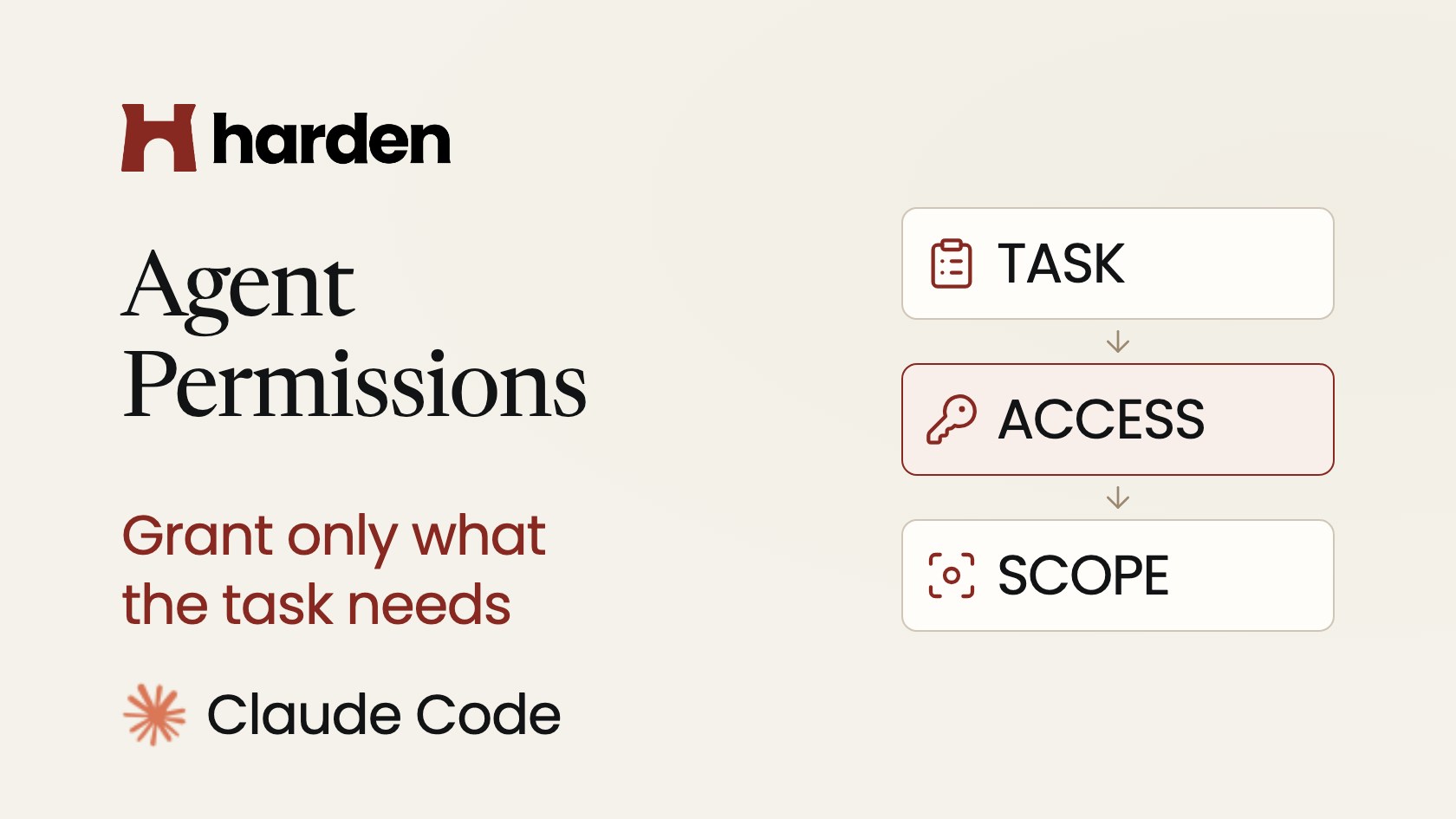
Set AI agent permissions around a defined task, then constrain the identities, resources and operations that task needs. Check filesystem access, network reach, credentials and connected tools separately. Claude Code, Codex and Cursor expose different controls, so the same policy needs an implementation check in each environment. At Harden, we add a supported pre-execution check that evaluates a proposed action with relevant task context. That helps a team govern how available authority is used, alongside the permissions that limit the authority itself.
Start with a task someone can recognize
“Help the engineering team” is too broad to configure. “Fix the checkout calculation in this repository and open a pull request” gives the owner something concrete to evaluate.
The task may require reading source files, running tests and writing a branch. It does not automatically require production database access, changing deployment credentials or sending diagnostic attachments to an unfamiliar service. The developer may hold those privileges for other work. That is a reason to examine inherited access carefully.
NIST defines least privilege around granting the minimum resources and authorizations needed for a function. For an agent, translate that principle into an outcome, permitted operations and a time limit. A prompt describing the outcome helps express intent; the systems executing the work must enforce the access boundary.
Map identity, resources and operations separately
A local command may run as the developer, a repository API may use an application identity, and an MCP tool may use a service account. Recording only “the agent” hides the authority behind each operation.
List what those identities can reach. Include repository paths, database environments, network destinations and mounted directories. Keep reading and transmitting separate: permission to inspect a test fixture does not automatically authorize uploading it to another recipient.
Use a worksheet for one real task:
Operation | Intended resource | Permitted effect | Authority owner |
|---|---|---|---|
Investigate a checkout bug | Approved repository | Read relevant source | Repository maintainer |
Verify the proposed fix | Disposable test environment | Run agreed tests | Engineering owner |
Propose the change | Feature branch and pull request | Create a reviewable diff | Change owner |
Inspect deployment behavior | Approved staging service | Read scoped diagnostics | Platform owner |
Add the actual identity, expiry and exception process before using the worksheet. This is our illustrative design, not a ready-to-install configuration. The staging row should name the service and permitted diagnostic operation rather than granting access to every environment with a similar name.
Translate the worksheet into native controls
Apply the policy to the agent and execution environment the team actually uses. Similar labels can conceal different enforcement paths.
Agent | Current primary guidance | What to verify for this task |
|---|---|---|
Claude Code | Tool and pattern rules, permission mode, and which settings are administrator-controlled | |
Codex | Filesystem and network restrictions, approval behavior, and the actual local or cloud execution environment | |
Cursor | Approval mode, shell sandbox configuration and treatment of MCP calls |
Claude Code documents an important precedence rule: a matching deny rule is not overridden by a more specific allow rule. In Codex, sandbox restrictions and approval policy have different responsibilities. Cursor likewise distinguishes approval modes from the sandbox limits applied to supported shell commands. These are separate implementations, not equivalent configuration recipes.
Record the installed version, active mode and managed settings. Confirm where administrators can enforce policy and where a developer can change it. Test an MCP connection separately from a local terminal command; the existence of a shell sandbox does not establish that a remote service uses the same boundary.
Scope credentials to a resource and a lifetime
A narrowly described tool can still carry an overpowered credential. Review both the interface and the account behind it.
GitHub's token-management documentation describes repository selection, permissions, expiration and limitations for fine-grained personal access tokens. A GitHub App or another organizational identity may be more appropriate. Choose through the team's access process rather than treating a personal token as the default for every workflow.
For each credential, record its resource scope, allowed operations, accountable owner and revocation method. Check inherited roles as well as explicit grants. A staging task should use a staging-scoped identity where possible; a sentence telling the agent to ignore an available production credential does not revoke it.
Remove temporary authority when the task ends. Secret storage protects a value at rest, while permission scope governs what that value can authorize after retrieval. Both responsibilities need an owner.
Test the boundary, including legitimate work
Research gives a useful reason to test actions rather than trusting a clean-looking transcript. InjecAgent studies how malicious content returned by one tool can induce an agent to misuse another. The practical implication is to review what external content can influence and which authority is available afterward. Its benchmark results are not a measurement of today's configured Claude Code, Codex or Cursor installation.
AgentDojo separately evaluates legitimate task completion and adversarial outcomes. Apply that distinction to your own test plan: a permission design that prevents all work has not delivered useful delegation.
In a disposable environment with synthetic data, first run the intended staging diagnostic. Then vary only the target, recipient or operation. Inspect the result at the destination. Record whether legitimate work completed and whether the prohibited effect occurred; do not combine those observations into one reassuring pass label.
Repeat the test after changes to credentials, tool definitions, agent versions or configuration. Preserve the original worksheet so an exception cannot quietly become the team's permanent permission model.
Where Harden adds a task-aware check
Permissions limit available authority. Our supported pre-execution checks evaluate a proposed use of that authority with relevant task context before the call runs. This gives the staging investigation another decision point when the agent selects a consequential operation.
Our published research includes an account-selection example: a transfer intended for the company's backup destination is proposed under a personal account selected earlier. The example shows why the task, identity and pending operation belong together. It is a published illustration of our mechanism, not evidence that every integration or configuration is covered.
Bring your worksheet and an allowed/prohibited pair to a Harden evaluation in Control. Configure the supported integration and inspect the decision alongside the actual effect. Keep native access controls in place while testing that additional boundary.
FAQs
Should an agent use a developer's personal account?
Check the identity required by each tool. A personal account may expose unrelated resources or complicate revocation. Use an accountable, appropriately scoped identity where supported, and inspect its effective permissions rather than relying only on the account label.
Is a repository instruction file an access-control policy?
It can express the intended task and conventions. Access is enforced by permission systems, credentials and execution boundaries. Instructions to avoid production do not remove production authority from an available account.
Do Claude Code, Codex and Cursor need identical settings?
They need the same intended boundary, implemented through their own controls. Check current documentation, active configuration and execution path. Verify legitimate work and prohibited variations separately in each environment before treating the policy as deployed.
What does Harden add after permissions are configured?
For supported calls, Harden evaluates the proposed action with relevant task context and configured policy before execution. That addresses how available authority is being used. Resource permissions still define what the underlying identity can reach.
How should we handle a task that needs more access?
Name the additional operation, resource, owner and expiry before granting the exception. Test the intended work and an unrelated prohibited variation, then remove the temporary authority when the assignment ends. Retain the decision so another session does not inherit it by accident.