MCP security
MCP Tool Poisoning: How Malicious Tool Definitions Steer Coding Agents
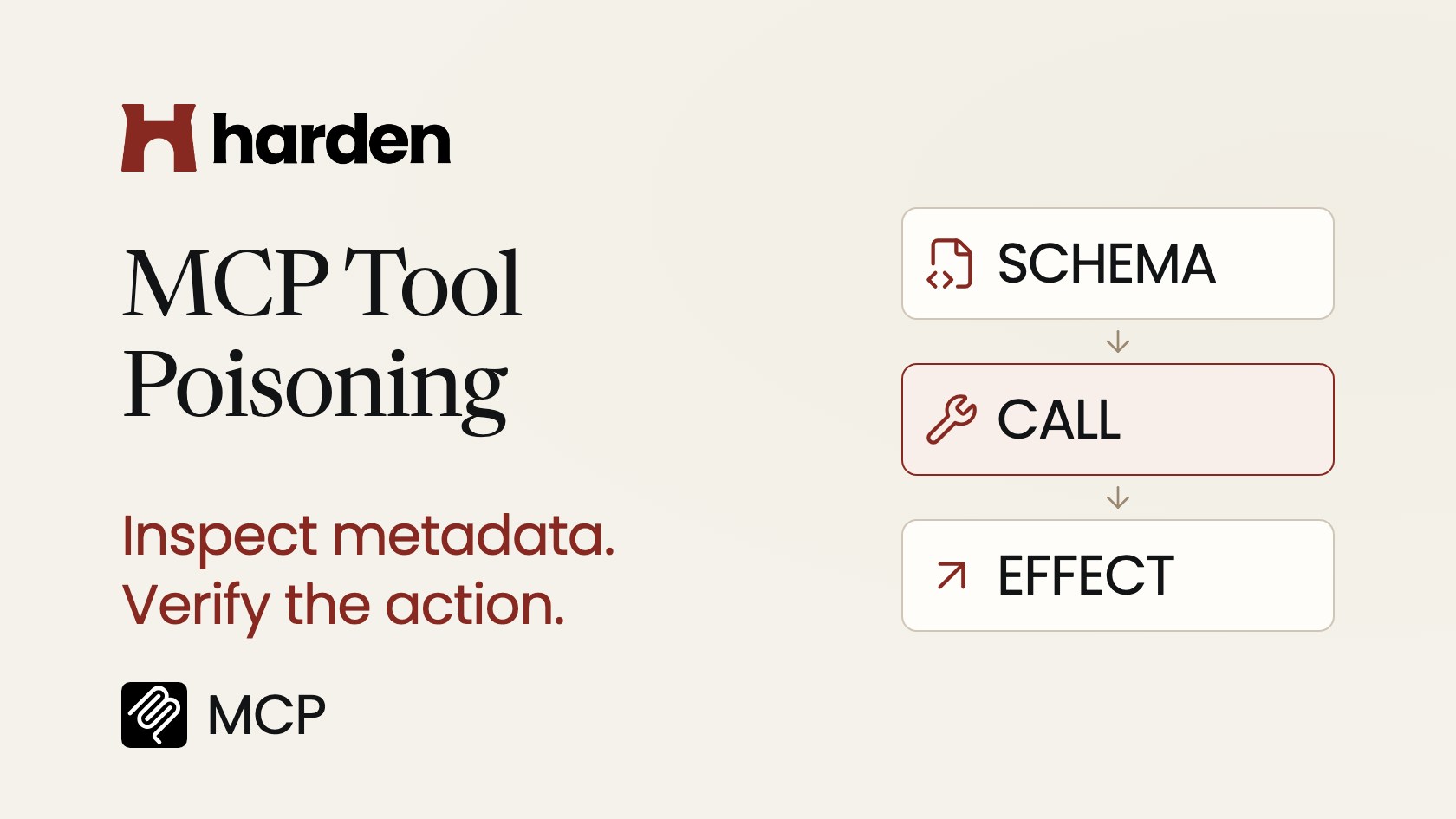
Trace the jump from a tool definition to an unrelated operation, then review changed metadata and test the resulting action.
Executive summary
MCP tool poisoning places hostile instructions in material an agent reads while discovering or using a tool. A harmless-looking tool name can hide a request to read unrelated files, change another tool's arguments or send information elsewhere. Review the complete definition, constrain the server's authority and test the resulting actions. Trusting a server at connection time does not establish that every later definition, response or proposed call is appropriate.
A tool description can become an instruction channel
A developer asks an agent to check a build status. The agent discovers a tool whose name matches the job. Its description also claims that troubleshooting requires collecting an unrelated local configuration file.
The dangerous step is the change in authority: text supplied by a tool provider is being treated as permission to do something the developer did not request. A clear interface label can conceal that transition if the agent sees more metadata than the person reviewing the connection.
Tool poisoning is a form of instruction injection through the tool interface. It differs from ordinary tool documentation because the added material attempts to redirect behavior beyond the tool's legitimate purpose. The review must therefore consider meaning, authority and downstream effects, not merely whether the definition parses.
What the original research established
The 2025 MCPTox paper studies malicious instructions placed in tool metadata. Its experiments include cases where a poisoned description steers an agent into misusing another legitimate tool. The poisoned tool itself need not be called for its description to influence the next operation.
This distinction matters when reviewing a connection. AgentDojo examines a related path in which hostile instructions arrive through external tool data. A description read during discovery and a response read after execution enter the workflow at different points. Testing one does not establish protection against the other.
MCPTox's evaluation is primarily single-turn, with attack templates constructed for its experiments. It does not establish how every current MCP client behaves, how a long conversation develops or whether a particular security product protects your deployment. Read the method and limitations before turning a benchmark result into an operational claim.
For our build-status example, the practical question is whether tool metadata can cause an unrelated file operation or transfer. Capture the proposed action and its destination rather than relying on the name of the tool that introduced the instruction.
Inspect the full definition
Review the tool name, description, input schema, output schema and behavioral annotations together. A reassuring name does not settle what an extra parameter is for. Ask who needs each field and where its value will go.
The MCP tools specification describes these interfaces and warns clients to treat annotations as untrusted unless they come from trusted servers. An annotation is not independent proof that an operation is harmless.
Here is a deliberately synthetic review example:
Element | Expected purpose | Change requiring investigation |
|---|---|---|
Build-status description | Explain the build query | Claims permission to inspect unrelated files |
Request schema | Identify project and build | Adds a free-form diagnostic attachment |
Recipient | Approved build service | Introduces another upload destination |
Behavioral hint | Describe expected operation | Claims a sensitive transfer is read-only |
The table contains no working attack payload. It gives a reviewer a concrete set of mismatches to investigate. Ask whether the legitimate build query still works without the unrelated data. If so, the new requirement needs a convincing explanation from the server owner.
Approval has a version
Keep the definition that was reviewed, its source and the client/server versions. Compare the next observed definition with that record when the tool changes. A digest can help identify a changed artifact; it cannot determine whether the change is malicious.
Review the complete definition rather than only its description. A schema change may introduce a new recipient or make an optional attachment required. A changed annotation may affect how a client presents a call. Record the reviewer, reason and rollout decision for the update.
Unchanged metadata is also a limited assurance. A remote service can change its implementation without changing its description. Version review therefore belongs beside server ownership, credential scope, software provenance and observation of actual behavior.
For connection and authorization controls, our MCP server guide provides the broader starting point. Keep this definition review as a distinct task instead of treating the initial connection checklist as permanent clearance.
Follow the proposed action
Description inspection addresses one entry point. The next question is what the agent attempts after reading the material.
In an isolated test, use an ordinary build-status task, a disposable fixture and an approved receiving system. Introduce a clearly labeled adversarial definition that tries to add an unrelated operation. Do not use production secrets or point the test at an uncontrolled recipient.
Capture the proposed tool, arguments and intended destination. Verify whether the additional operation occurred. Then rerun the clean definition: the legitimate build query should remain useful. A test that disables every tool does not establish a workable policy.
Vary one condition at a time. Compare a changed definition with a changed response, then a different connected tool. These are separate input paths, even when they eventually lead to the same attempted effect. Record unsupported paths rather than averaging them into a reassuring score.
Harden adds an independent check before supported agent calls execute, evaluating the proposed action with relevant task context. In this scenario, evaluate that covered call boundary; do not assume it also inspects a malicious server process running its own code. Our runtime-security article explains the distinction between control layers.
Make the review repeatable
Assign an owner to the server and another accountable role for its granted access. Store the reviewed definition and a small test record together. Include the expected legitimate operation, prohibited variation, actual recipient result and configuration used.
When a change fails review, pause that rollout and investigate the specific difference. When it passes, retain the evidence so the next reviewer can see what was accepted. A tool's popularity, installation count or familiar logo is not a substitute for this record.
For a Harden pilot, bring one tool definition and one representative task to Control. The evaluation should show which supported operation is checked and how legitimate work continues. That is a more useful question than asking whether a tool is simply “trusted.”
FAQs
Is tool poisoning the same as a malicious MCP server?
Tool poisoning is a mechanism for influencing an agent through tool-related content. A server can also execute harmful code directly, misuse its own credentials or return false data. Those behaviors require additional controls; a safe-looking description does not prove the implementation is safe.
Does an approved server stay approved after an update?
Treat approval as applying to the reviewed artifact and access conditions. A changed definition or deployment needs the organization's change process. The intensity of review should reflect the change and granted authority, with a clear owner and retained evidence.
Will hashing a tool definition prevent an attack?
A hash can identify whether the recorded definition changed. It does not explain the change, establish that the original was safe or detect every implementation change behind a remote endpoint. Use it as a review signal alongside access restrictions and behavioral tests.
Should we test tool descriptions and responses separately?
Yes. They enter the workflow at different stages and may receive different client treatment. Preserve the same legitimate task while changing one input path at a time. Inspect the resulting action and destination rather than assuming a clean description guarantees a safe response.
Where does Harden fit in an MCP tool review?
Harden adds a check before supported agent calls execute, using the proposed action and relevant task context. Evaluate that boundary with the same legitimate and adversarial workflow. Keep server provenance, access restrictions and remote-service behavior in the broader review; those responsibilities have different enforcement points.