Agent security
Cursor’s Fireworks Security Incident: How Agent Traces Became a Credential Trail
Cursor’s root-cause update shows how historical agent traces became a credential trail. Here is where enterprises can add a verified action boundary.
Executive summary
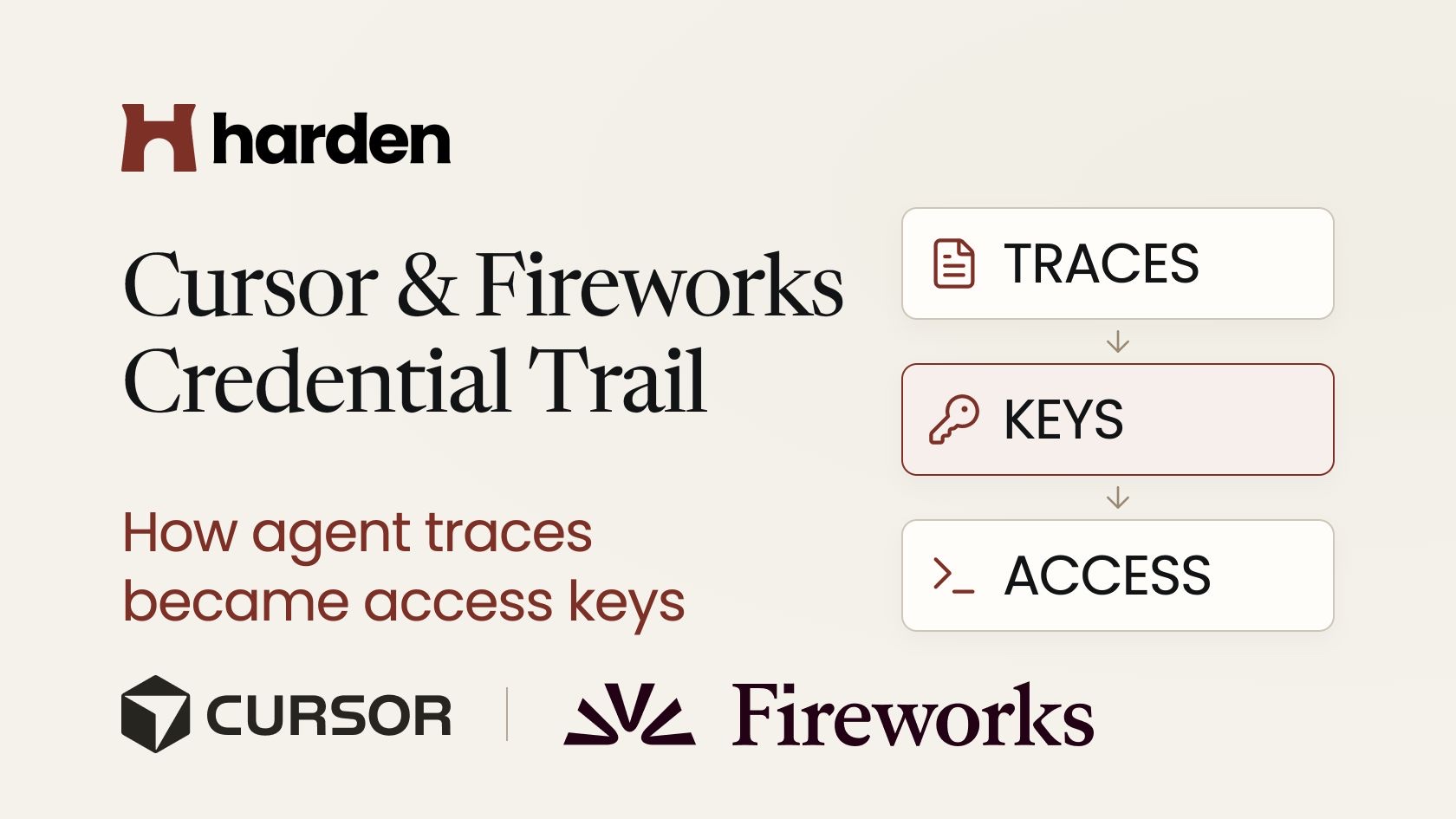
Cursor’s November 13 incident update describes a chain from an exposed vendor key to historical agent traces, reused credentials and a tampered extension. The enterprise lesson is to protect what agents leave behind as carefully as what they execute. Harden adds a pre-execution check on supported agent calls, including sensitive transfers. That boundary complements vendor access controls, trace sanitization and endpoint response.
What Cursor has now disclosed
The Cursor security incident update explains how an attacker obtained a Cursor-issued access key exposed by Fireworks AI. The attacker used that key to copy a read-only bucket containing historical coding-agent traces, mostly from 2025, from sessions outside Privacy Mode.
Some traces contained credentials that had not been redacted. Cursor says those credentials enabled access to selected SaaS tools and internal information. A further stolen credential was used to place malicious copies of Anthropic’s Claude Code extension in the cache serving Cursor’s VS Code extension marketplace.
The distinction matters: Cursor says Anthropic did not publish those copies, and Open VSX never contained the malware. Cursor also says customer code repositories, active inference requests and prompts and code from Privacy Mode users were not affected. The disclosed trace exposure concerned historical offline storage.
Fireworks’ November 17 bulletin describes two separate incidents and says both are contained and remediated. Cursor’s disclosure does not identify which incident exposed its key. Combining the accounts into a more precise attack timeline would add facts neither company has established publicly.
Why a read-only trace bucket can matter
Read-only access limits changes to a bucket. It does not make the contents harmless to copy.
A credential inside a transcript may grant access to another system. Its usefulness depends on its permissions, expiry and whether the issuer has revoked it. Deleting the transcript does not invalidate the credential. An archive can therefore contain active authority long after the original debugging session has ended.
This is a useful way to review agent data. Trace storage, support attachments and evaluation datasets deserve a credential-exposure assessment alongside their ordinary privacy review. Ask what the records contain, who receives them and what a copied secret could still reach.
The practical question is simple: if someone downloaded this diagnostic record tomorrow, would they gain the ability to act as one of our services?
Put checks before the next copy
Consider a hypothetical developer asking an agent to attach deployment diagnostics to an internal ticket. The useful information is the failure, environment and relevant events. A production token printed in the logs adds authority the recipient does not need.
Check the proposed attachment before the agent sends it. Remove unnecessary sensitive values, verify the recipient and keep the diagnostic content useful. Separately, configure the systems producing logs so they avoid printing secrets in the first place.
Teams also need controls where traces are collected, retained and shared. A safe ticket attachment does not prove that an editor’s independent telemetry pipeline or a vendor’s training dataset is sanitized. Assign an owner to each route and inspect its actual output.
Where Harden adds an independent check
Harden Agentic Integrity Foundation evaluates supported agent tool calls before execution, using the proposed action and relevant context. Our published research includes a diagnostic-note example where sensitive content is redacted while the useful event is preserved. When a covered call cannot be made safe, we can block it.
For an enterprise customer, that creates a concrete evaluation: can the configured Harden path stop a synthetic secret in an agent’s proposed diagnostic upload while allowing the approved, sanitized attachment? Confirm the decision and inspect what the destination actually received. Keep the legitimate task in the test so a blanket denial does not count as success.
The intervention must happen before the covered transfer runs. Installing a control after credentials have reached an archive cannot revoke those credentials or erase copies already obtained by an attacker.
The public disclosures do not include a replay of this incident with Harden. We cannot conclude that Harden would have prevented the Fireworks compromise, Cursor’s independent trace collection or the marketplace-cache changes. Extension code executing outside a supported agent hook also requires endpoint and software-distribution controls. We add an independent check on the agent actions our integration actually covers.
Review the credential trail across systems
Start with one representative workflow and follow the information through it. Include the developer’s task, tool arguments, command output, saved trace, support attachment and any downstream dataset. Treat this as a data-flow review, using synthetic credentials rather than copying real secrets into a test.
For each handoff, record the receiving system, access owner, retention setting and credential privileges. A vendor key that only reads one dataset still needs an expiry and a revocation procedure. A support workflow should offer a way to investigate authentication problems without asking someone to paste an active token into a conversation.
Inspect old records as well as new sessions. If a retained trace contains an active credential, revoke or rotate it through its issuer, review the access it allowed and sanitize the stored material under the organization’s response process. Rotation and record cleanup solve different parts of the problem.
Give the review an accountable owner and a repeat date. Recheck it when a tool, provider or retention setting changes.
Keep endpoint remediation separate
Teams investigating the October 29 extension exposure should follow Cursor’s security notice. It identifies affected marketplace versions 2.1.312 and 2.1.313 and explains the installation window, indicators and remediation steps for macOS and Windows. Cursor warns that uninstalling the extension alone may leave persistence behind.
Our earlier extension incident analysis covers that endpoint response. The later disclosure adds the upstream credential trail. Both responsibilities need owners: clean up potentially affected machines and close the routes through which sensitive records can become reusable access.
For your next agent-security pilot, choose one sensitive transfer and verify the boundary around it. Start free with Harden to organize the evaluation, then install and configure the supported integration. For help mapping the workflow and interpreting the results, book a call with our team.
FAQs
Was this a vulnerability in Anthropic’s official Claude Code extension?
Cursor says Anthropic did not publish the malicious copies and the incident was not an Anthropic product vulnerability. The tampered packages were placed in Cursor’s marketplace cache. Match investigations to the specific distribution source, versions and exposure window in Cursor’s notice.
Does Privacy Mode settle every security question?
Cursor says prompts and code from Privacy Mode users were not affected in this incident. That statement has a specific scope. Enterprises should still review extension provenance, local endpoint evidence, permitted tools and the data routes used by other products.
Would Harden have prevented the entire incident?
There is no published end-to-end test establishing that outcome. Harden can evaluate supported agent calls before execution, including sensitive transfers on covered paths. Vendor compromise, stored-data access and extension code running independently of those paths require their own controls.
What should an enterprise test with Harden first?
Use a synthetic secret in a representative diagnostic-upload task. Verify the supported integration, policy and destination, then compare the unsafe transfer with a sanitized version that should succeed. Inspect both the decision record and the receiving system’s contents.
Is creating a Harden account enough to protect an agent?
An account is a starting point for the evaluation. The client and supported agent integration still need installation and configuration. Follow the current installation guide, then verify a covered workflow before treating it as protected.